


Your campaign gets replies, but too few customers complete the next step. Changing the headline again may not solve that problem. A useful WhatsApp marketing strategy review follows the journey from audience selection through the offer, conversation and final action. Identify where people get stuck before choosing what to change. Better message wording cannot correct unavailable stock, a confusing booking page or an unanswered question waiting in the inbox.
This guide is for improving an existing campaign, rather than building the first one from scratch. If you need the initial brief, use the first-campaign planning guide. Here, start with a real campaign period, the actual offer and the records that show what happened. For ecommerce marketing, the store’s completed order record is important alongside WhatsApp activity. Choose evidence that corresponds to the intended result.
Map the WhatsApp marketing strategy from send to outcome
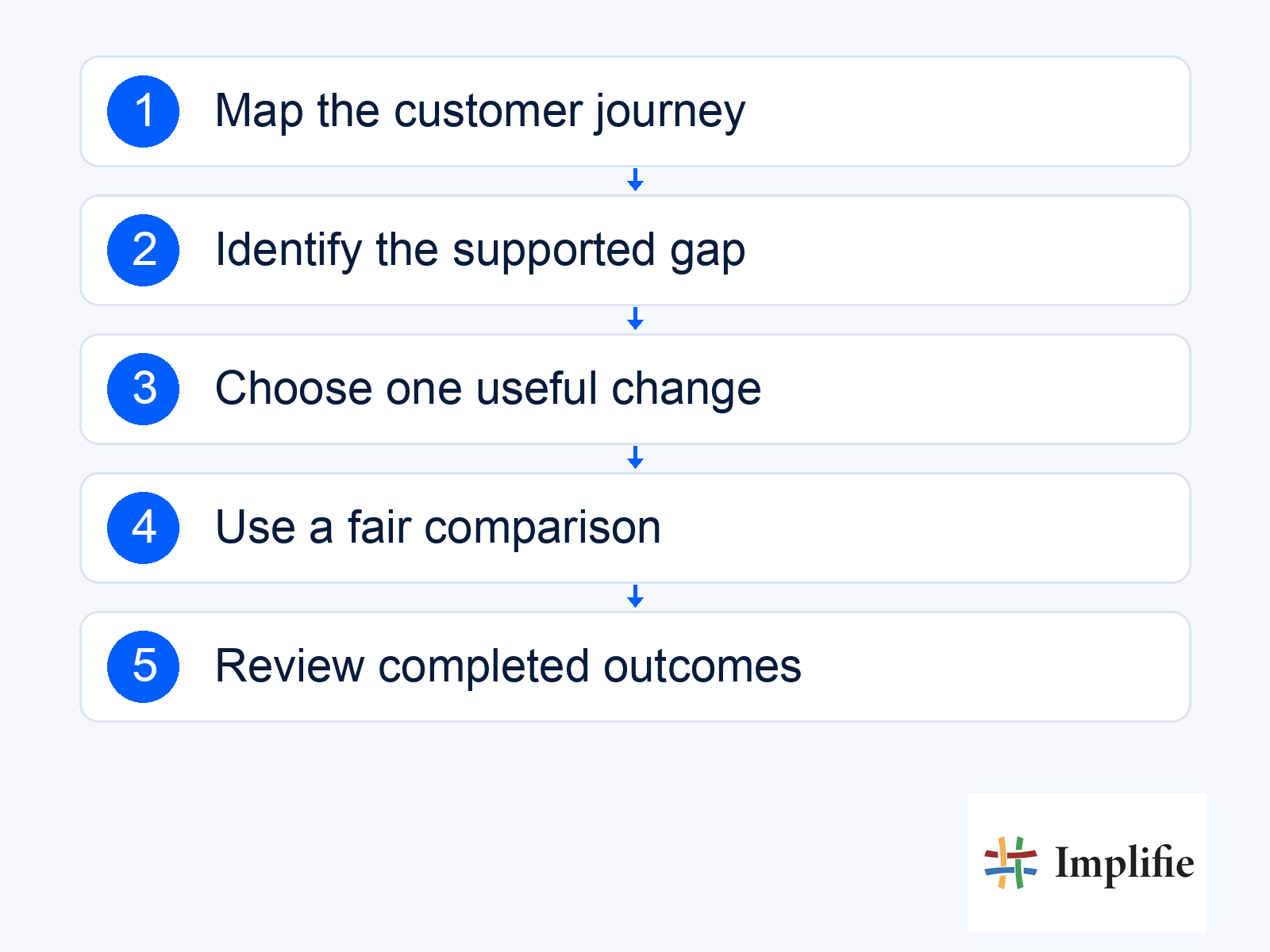
Write down the stages a customer must pass through: be included appropriately, receive the message, understand the offer, take the intended action and complete the business result. For each stage, identify what you can observe and what remains uncertain. A missing click record is different from evidence that nobody clicked. Keep campaign identifiers and timing consistent so the team does not compare a recent send with an older campaign whose returns and follow-ups have already settled.
| Observed pattern | Possible gap to examine | Evidence to collect |
|---|---|---|
| Many failed attempts | Sending or account issue | Actual status and reported error |
| Delivery but little relevant response | Audience or offer mismatch | Audience reason and customer feedback |
| Questions repeat before purchase | Missing buying information | Common objections and source-page details |
| Interested enquiries wait | Ownership or capacity problem | Assignment and completed response history |
| Clicks without completed action | Destination or buying friction | Real page experience and order records |
| Orders with weak contribution | Commercial offer problem | Costs, adjustments and campaign investment |
These are investigation prompts, not automatic diagnoses. A quiet campaign may reflect a long buying cycle, an irrelevant audience or incomplete tracking. Ask the receiving team what customers actually needed and inspect a suitable sample of conversations without copying unnecessary personal data into the report. The aim is to choose one plausible bottleneck with evidence, rather than to produce a dashboard that appears to explain every customer’s motivation.
Improve the offer before experimenting with decoration
Check whether the offer solves a current problem and whether the promised next step works. Read the message and its destination together. If the promotion describes one variant but the page defaults to another, fix that mismatch before testing colours or emojis. If interested buyers need an answer about delivery coverage, add a clear route to the relevant information. A more polished campaign is useful when it helps the customer decide, not simply when it looks different.
Use customer context to distinguish groups with different needs. A recent purchaser with an unresolved issue should not be evaluated as though they were an undecided prospect. If you change the audience at the same time as the offer, make that change explicit. The result may still be commercially useful, but you cannot confidently attribute the difference to a single sentence when several important conditions changed together.
Test one meaningful change with a fair comparison
Choose a hypothesis the team can explain, such as “buyers need the delivery area before they request a quote”. Test a clearer answer against a comparable alternative while keeping other important conditions as stable as practical. Define the audience, period and success event in advance. A small business may not have enough volume for a strong statistical claim, so report the limits honestly and use the test as a learning step rather than a guaranteed forecast.
- Hypothesis: Describe the customer problem the change is intended to solve.
- Change: Alter one important part of the journey where possible.
- Comparison: Use a comparable group or documented baseline.
- Outcome: Choose the completed action and relevant cost.
- Review point: Decide when enough useful evidence will be available.
Treat the reply process as part of campaign optimisation
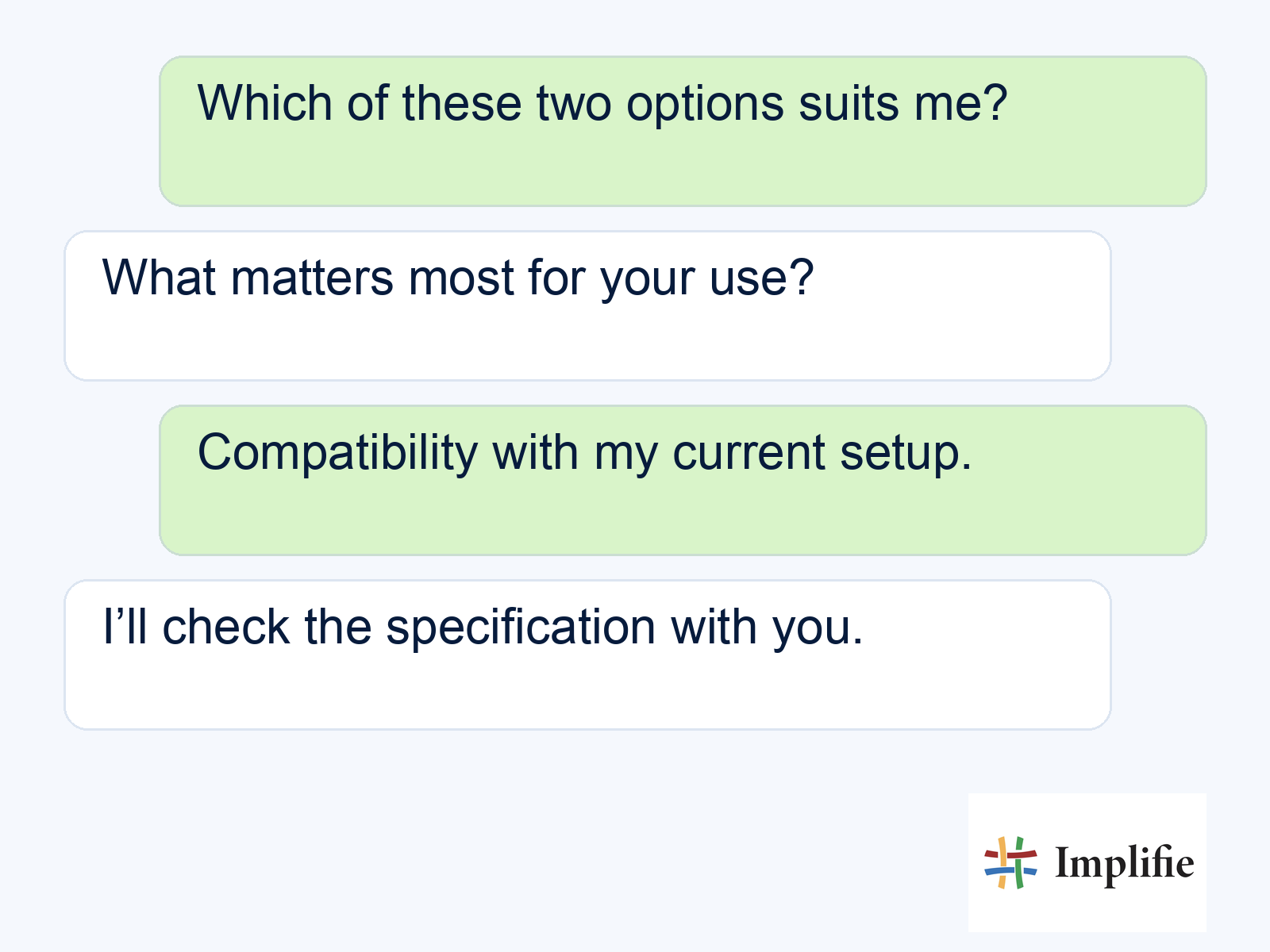
A customer asking for a comparison is giving the team a chance to help. The example below is an illustrative enquiry about two options, not a sales result. Make the approved comparison available to the colleague who receives it and give uncertainty an owner. A shared inbox helps maintain context; it does not make missing product information accurate. Check whether the team can complete the promised next step before increasing demand.
Review follow-up workflows for stop conditions when someone buys, declines or begins a support discussion. A later message should use the current situation rather than the assumptions from the original send. If several sequences contact the same customer, review the combined experience. Improving one campaign in isolation can still create a crowded conversation when the business overlooks other scheduled or automated messages.
Review commercial results and customer feedback together
Use message and conversation reporting to understand activity, then confirm the intended outcome in the authoritative order or enquiry record. Include costs, refunds and operational work in the review. A higher read rate can coexist with weaker commercial results or more complaints. Keep negative feedback visible when deciding whether a test should expand. The useful question is whether the whole journey works better for the customer and the business.
Do not automatically increase contact frequency after a weak result. Review audience expectations, message purpose and the current messaging policy. Sometimes the next improvement is a clearer explanation or a longer pause, and sometimes the offer should stop. Document the decision and the reason so later team members do not repeat the same unsuccessful experiment simply because it is easy to schedule.
Let evidence choose the next change
A useful WhatsApp marketing strategy identifies a specific gap, changes something that could resolve it and checks the completed result. Keep the audience, offer, reply process and costs connected in the review. Explain uncertainty and avoid turning one strong campaign into a universal prediction. Improve the weakest supported step first, then use what you learn to choose the next investment.
Frequently asked questions
Should I change the message after every weak result?
First identify the gap. The issue may be the audience, offer, destination, reply process or measurement rather than the message copy.
Can I test several changes at once?
You can change the overall journey, but the result will be harder to attribute to one cause. Record the combined changes and avoid claiming a single element caused the improvement.
Is a higher read rate enough to expand a campaign?
No. Review completed outcomes, costs, customer feedback and team capacity. Reading is an intermediate stage.
How should small test results be described?
Explain the audience, period, comparison and uncertainty. A few outcomes may inform the next test without establishing a dependable performance forecast.
