


The WhatsApp Business App vs API decision depends on how your team handles conversations, shared ownership and follow-ups. Your customers already use WhatsApp. So when you decide to use it for business, the choice seems obvious. But then you run into a fork in the road. There's the WhatsApp Business App, and there's the WhatsApp Business API. They sound similar. They are not. The App suits straightforward, manually managed conversations. The API supports connected workflows when a business needs more automation and team coordination.
Picking the wrong one means you'll either hit frustrating limits within a few months or pay for complexity you don't actually need yet. Both mistakes cost you time and money. This post breaks down exactly how the two options differ, who each one is designed for, and how to figure out which one makes sense for your business right now. We'll also cover the signs that tell you it's time to move from the App to the API, and how to make that switch without losing momentum.
Understanding the WhatsApp Business App and API :
Think of the WhatsApp Business App as the streamlined version built for solo entrepreneurs and small teams. It works just like regular WhatsApp but with extra features designed for business communication. You download it on your phone, set up your business profile, and you're ready to chat with customers. Perfect for the local bakery owner, freelance graphic designer, or boutique shop manager who handles customer conversations personally. The WhatsApp Business API is a software interface rather than a separate app. It's not an app you download.
Instead, it's a technical interface that connects WhatsApp's messaging infrastructure to your existing business systems. A business can integrate with Meta’s Cloud API directly or use a provider with an agent inbox and workflow tools. This setup allows multiple team members to manage conversations from different locations, integrate with CRM systems, and automate responses at scale. Here's what makes them fundamentally different in practice. A hair salon using the Business App might manually respond to appointment requests throughout the day. An ecommerce company using the API can send order confirmations and delivery updates through configured store workflows, with monitoring and exception handling still needed.
Key differences
The Business App starts with a phone number and business profile. The API needs account and number onboarding, an agent interface or custom integration, and any checks required for your setup. A provider can simplify that work, but the time involved depends on the business and the workflows you connect. The Business App is free to download; optional paid services may add costs. The Business Platform uses per-message pricing rather than the old conversation-based model. Charges depend on message category, destination market and applicable pricing rules.
Check Meta’s current pricing alongside your provider’s platform, seat and usage fees before budgeting. The App uses linked devices for access, with limits and available features depending on the account and plan. An API-connected shared WhatsApp inbox can provide separate agent access, assignment and handover context. Seat limits and permissions depend on the platform you choose; the API alone is not an agent workspace. Automation capabilities aren't even close. The Business App offers quick replies and away messages. That's helpful but pretty basic.
The API unlocks chatbots, AI-powered responses, workflow automation, and integration with tools like Salesforce, Shopify, Zendesk, and custom databases. Messaging volume tells you everything about intended use. Meta designed the Business App for light to moderate messaging. If you're sending thousands of messages daily, you'll hit practical limits fast. The API supports larger messaging workflows, subject to Meta’s messaging limits, quality controls and the provider’s capacity.
| Decision | Business App | Business Platform/API |
|---|---|---|
| Day-to-day use | Manual chats and built-in business tools | A connected inbox or custom application |
| Team access | Linked devices; check current account limits | Agent seats, assignment and roles depend on the chosen platform |
| Automation | Quick replies, greeting and away messages | Configured chatbot flows, CRM updates and integrations |
| Cost | Free to download; optional paid services may apply | Meta’s applicable per-message charges plus provider or development costs |
| Best fit | A simple workflow managed by a small team | Connected sales or support workflows with clear owners and automation |
When is it time to move?
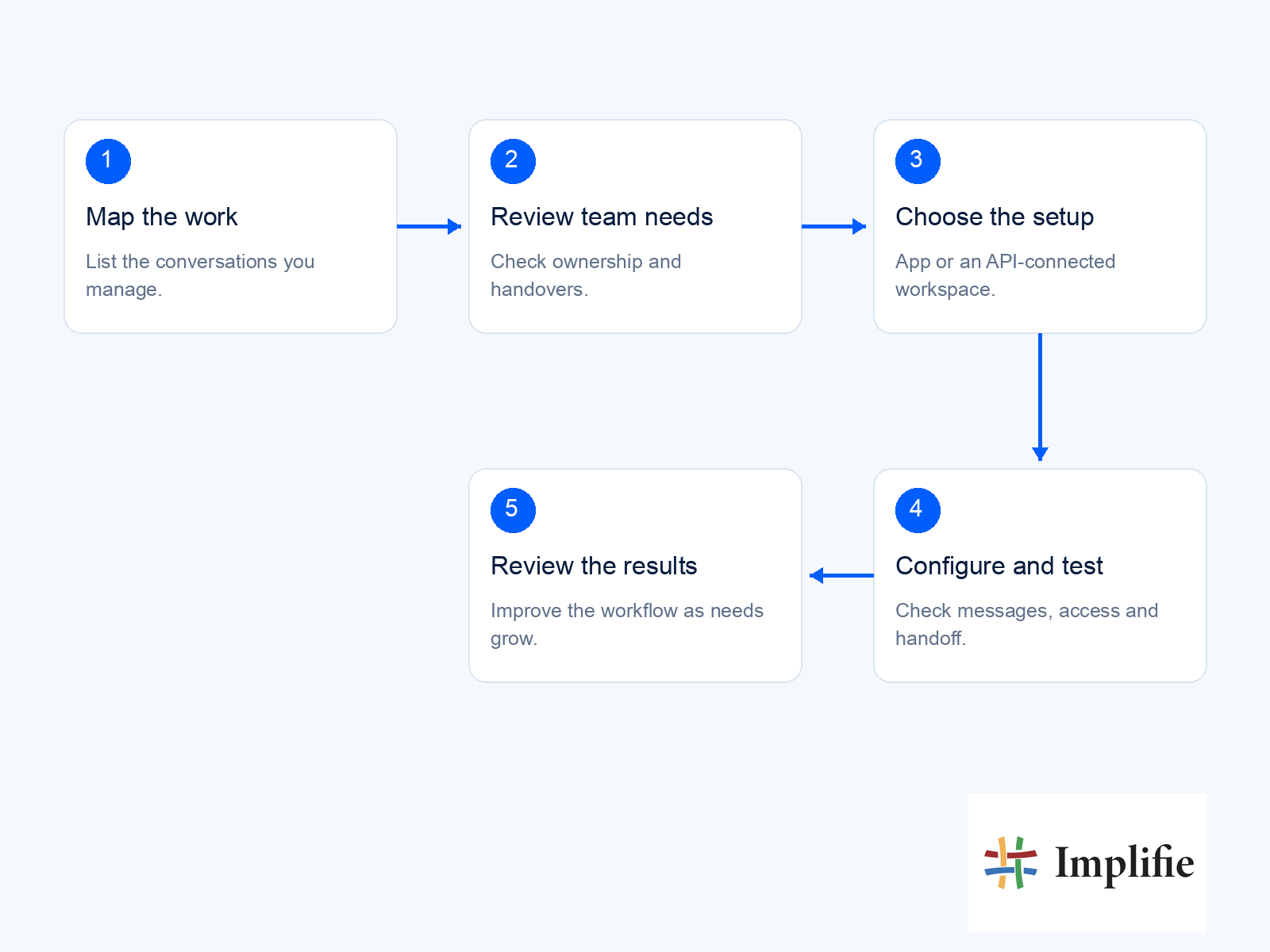
Consider the API when chats regularly lose an owner, agents repeat the same qualification questions, or follow-ups depend on someone remembering them. Start with one journey and check that the handover, customer permission and message costs work before expanding. Implifie combines a shared inbox, CRM and chatbot workflows around the WhatsApp Business API. For a sales team, follow-up automation can connect a customer’s current stage with the next action. Confirm integration availability and the selected plan before relying on a specific workflow.
Before changing tools, ask your team to describe one enquiry from arrival to completion. Note who answers, which information they collect, where they record it and what happens if the customer replies tomorrow. That exercise often reveals the real requirement more clearly than a feature checklist. A business that needs occasional manual replies may have little reason to add integration work, while a team losing conversations between shifts needs clearer ownership and shared context. During a demonstration, ask to see a conversation reassigned, an incomplete qualification resumed and an automation stopped after a customer responds. Choose the workflow your team can maintain, and include training, monitoring and exception handling in the rollout rather than treating setup as the finish line.
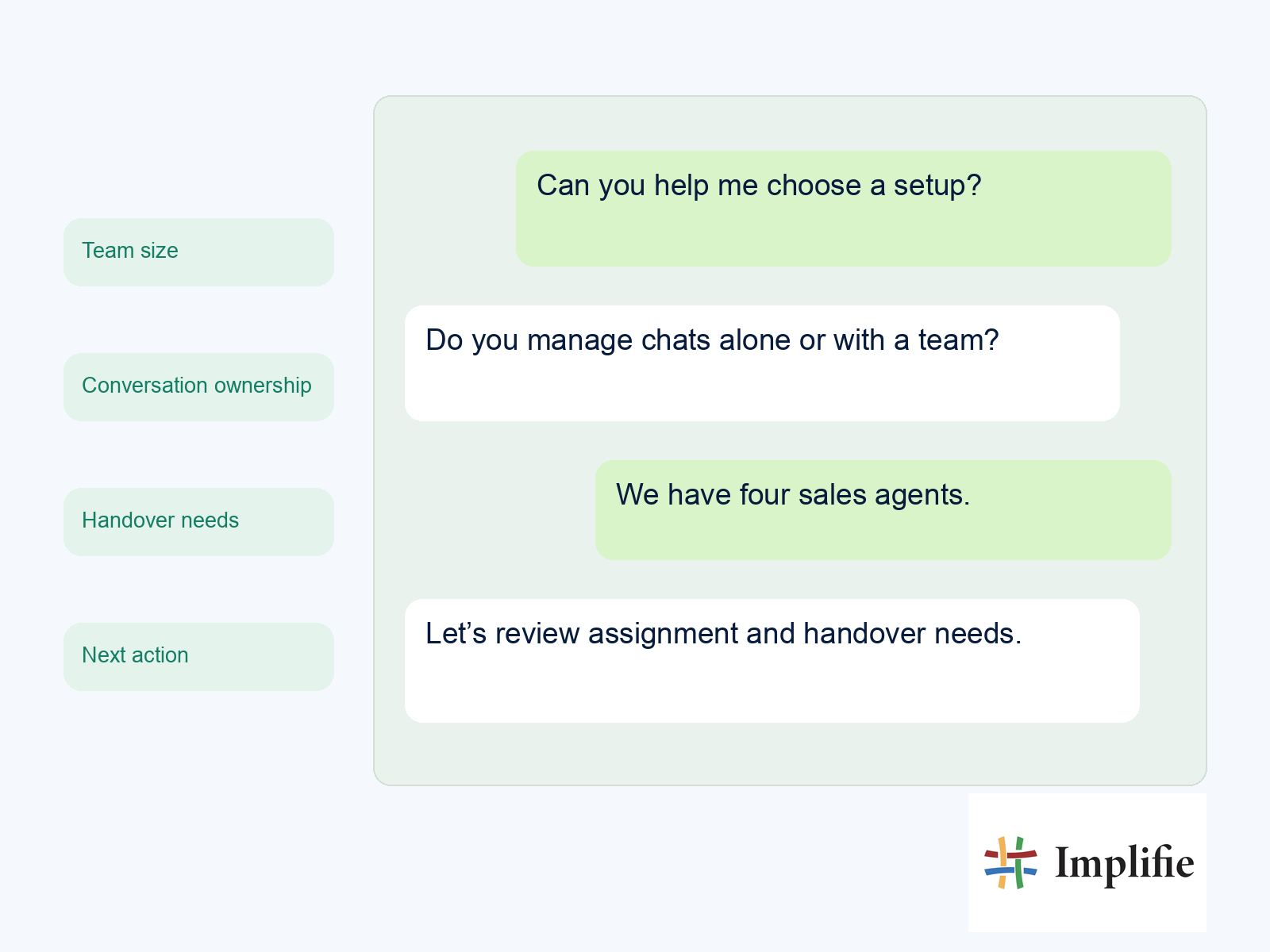
Choose between the WhatsApp Business App vs API by testing a real conversation from arrival to resolution. The right setup is the one your team can operate reliably, with clear ownership, useful context and a next step the customer understands.
Frequently asked questions
Is the WhatsApp Business API a separate app?
No. It is an interface for connecting WhatsApp messaging with business software. Agents normally work through a provider’s inbox or a custom application built around that connection.
Do I have to use a provider to access the API?
No. Businesses with suitable technical resources can integrate directly with Meta’s Cloud API. A provider can supply the inbox, workflow tools, onboarding support and ongoing maintenance that a direct integration would otherwise need.
Does the API include unlimited team access?
No universal seat allowance comes with the API itself. Agent seats, assignment tools, access controls and usage limits depend on the inbox or platform you choose.
Can I keep my current WhatsApp number?
Check the current onboarding and migration options before making changes. App/API coexistence may be available for eligible setups, but support, chat history and operating limits must be confirmed for your account and provider.
