


The WhatsApp Business API connects software to business conversations; it is not a finished support operation by itself. A useful setup also needs a place for the team to reply, current customer information and a process for actions such as checking an order or following up an enquiry. Start by deciding what the customer should be able to do and which colleague owns the exception. Then choose the connection and tools required to support that journey.
Meta’s current product documentation uses the WhatsApp Business Platform name and describes APIs for messaging and account management. This guide explains the operating pieces rather than giving a universal approval checklist. For a retail sales or support team, the decision may be driven by shared ownership and connected records, not by a need to send the largest possible campaign.
Separate the WhatsApp Business API from the team workspace
An application programming interface, or API, allows systems to exchange requests and information. In this context it provides a supported way for software to send and receive WhatsApp messages and related events. The inbox software provides the working experience for people: assigning conversations, reviewing context and replying. Business systems hold facts such as order status or a confirmed appointment. Those layers can work together, but they should not be treated as one automatic capability.
| Part | Typical responsibility | Check before relying on it |
|---|---|---|
| Messaging connection | Exchange supported messages and events | Account, number, permissions and reported status |
| Team inbox | Manage customer replies and ownership | Who can see, assign and answer the conversation |
| Customer record | Retain relevant contact and enquiry context | Field accuracy and appropriate access |
| Workflow | Use conditions, waits and handovers | Entry rules, stop rules and exception behaviour |
| External source system | Confirm orders, bookings or other business facts | Supported connection and actual completion evidence |
Implifie’s Business API offering connects messaging with its inbox, customer records, templates and supported workflows. Confirm the requirements of the specific account and connection rather than assuming every integration is ready by default. A product’s broad capability list is a starting point for requirements, not proof that your store, calendar or financial record is already linked and tested.
Choose the first sales or support journey
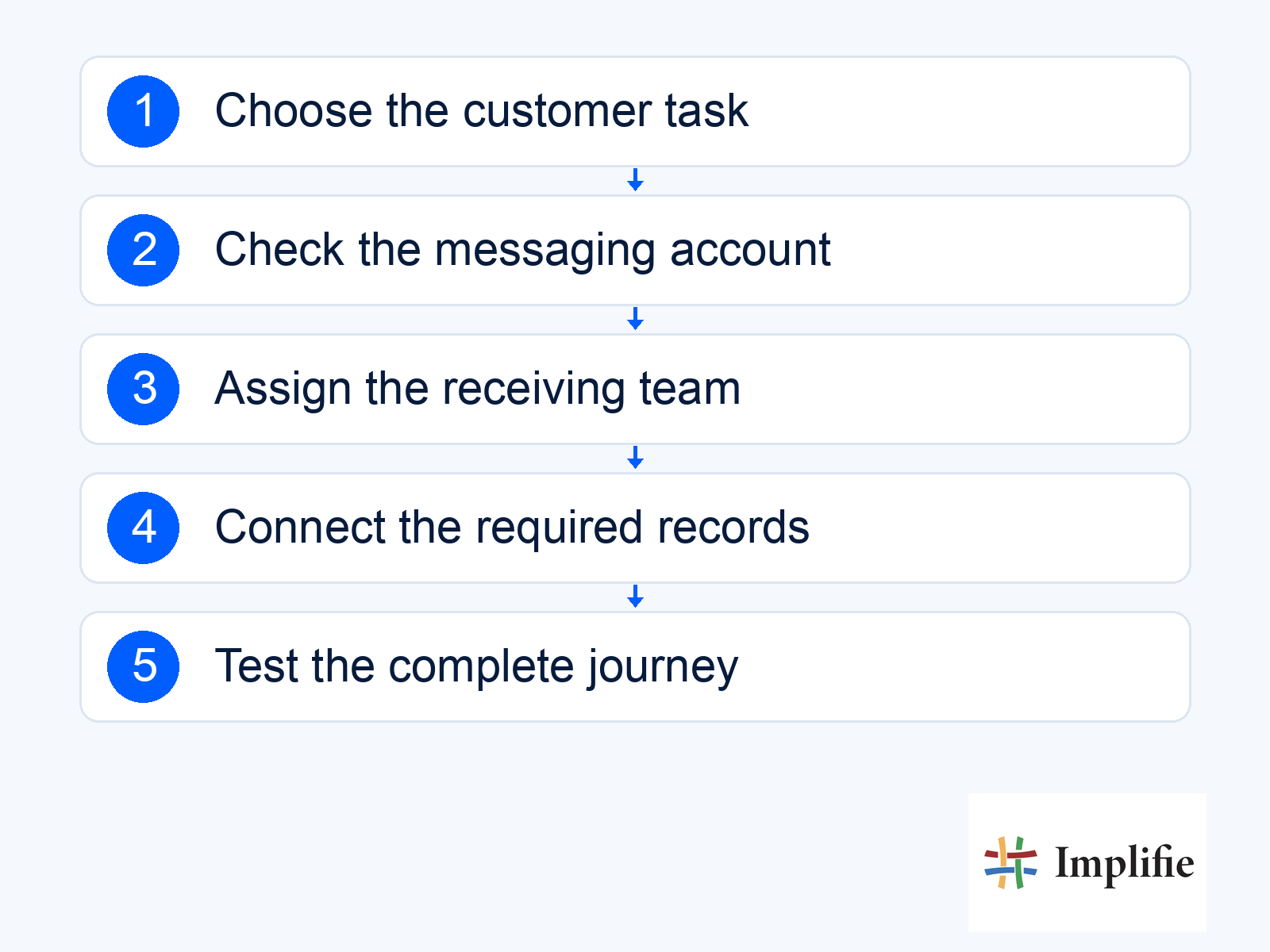
Use a concrete task to define the setup: collect a product enquiry, answer an approved service question or check a supported order record. Write down the information required, the permitted action and the human owner. If the team only needs a simple point of contact, compare the options before committing to a larger implementation. The existing Business app versus API guide can help frame that product choice, while the current account tools establish what is available to you.
- Customer task: Define the question or next step the setup must support.
- Messaging account: Identify the correct business assets and authorised owner.
- Team access: Assign the people responsible for replies and exceptions.
- Source data: Name the system that establishes the relevant business facts.
- Completion evidence: Choose what proves the action happened successfully.
Understand service messages and template messages
Meta’s service-message documentation describes the customer service window and the role of free-form replies within it. Outside that window, use the appropriate approved template route. Review message purpose, language and variables through template management. Treat current approval and recipient eligibility as operating checks, not a one-time setup event that makes every future message suitable.
Keep the actual customer task clear in the message. An order update, a promotion and an authentication request serve different purposes. Confirm the applicable Meta pricing and any separate software or implementation cost, rather than quoting a universal rate. API access does not mean unlimited delivery, automatic badge approval or guaranteed response from the customer. Plan the workflow and budget using the current account and destination market.
Connect incoming questions to accurate business information
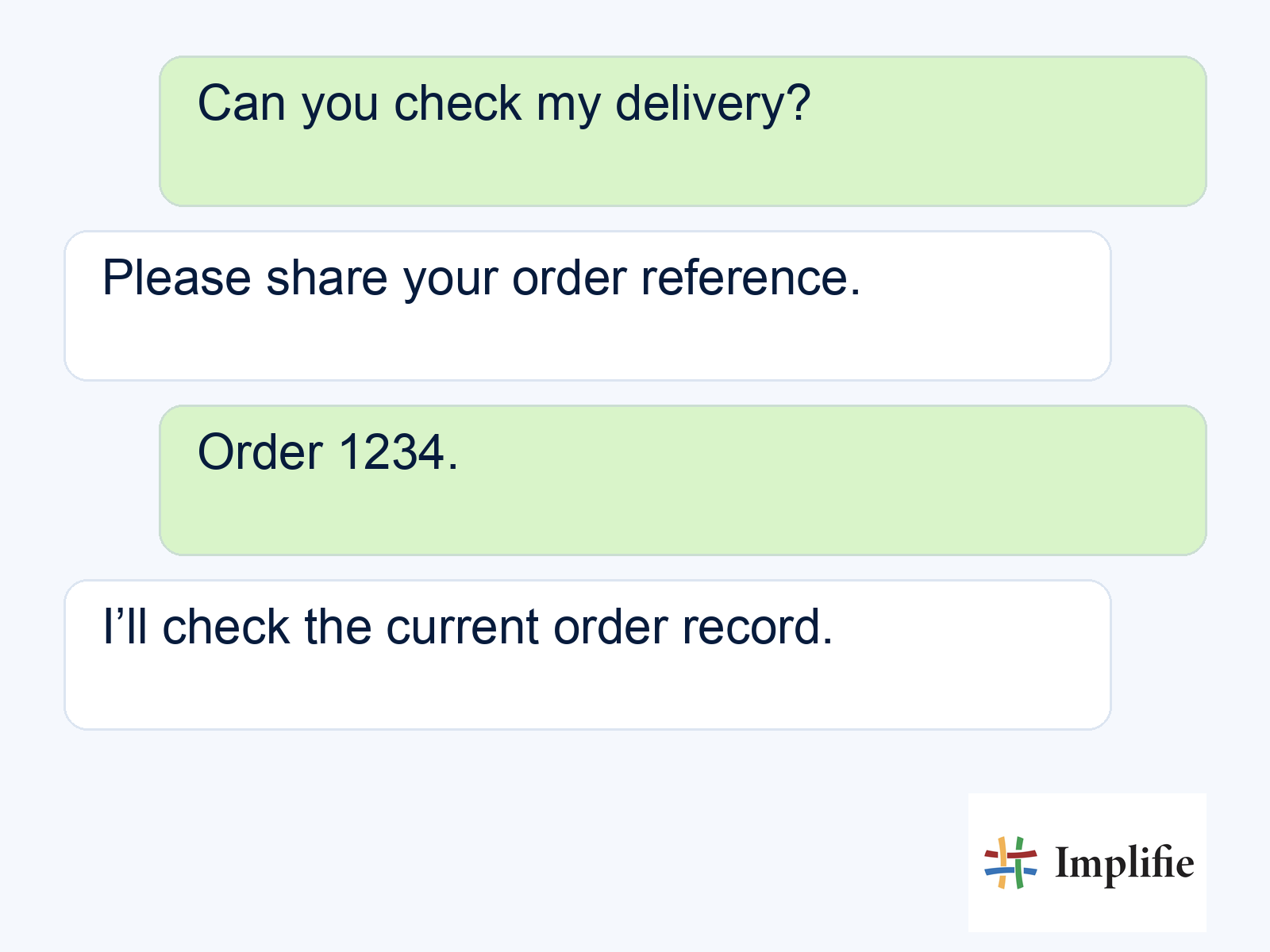
A buyer asking about delivery needs the current order or carrier record, not a response invented from the fact that a message was received. The illustrative exchange below shows the order reference being collected before a check. Use commerce workflows where a supported connection exists, and route uncertain matches to a person. The customer should know whether the business is checking a request or confirming a completed result.
Technical connections commonly use webhooks, which are event notifications sent between systems. Implifie’s webhooks and API integration is one route to review when requirements involve another tool. Assign a technical owner for access, event handling and maintenance. Do not assume that receiving a notification updates every connected record, or that a delivery status proves the customer completed the business action. Test the specific exchange and the recovery path when a connection is unavailable.
Test people, data and message handling together
Run an end-to-end test from a customer enquiry to the intended resolution. Verify the relevant inbox assignment, the available context and the source result. Include missing details, a request for a person and an unavailable connection. Check that staff can continue the conversation without repeating the same questions or seeing information they do not need. A technical success response is only one part of a useful customer experience.
Review incoming questions and message reporting after a limited launch. Keep sent, delivered, answered and completed business outcomes separate. Make it clear who watches failures and who maintains the source information. If the business process changes, review the affected templates and workflow routes rather than assuming the connection will adapt by itself. The ongoing operating owner is as important as the initial setup.
Plan the complete customer journey
Use the WhatsApp Business API as one part of a supported communication process: the connection exchanges messages, the inbox gives the team ownership and the source system confirms the facts. Choose a first task, verify account and message requirements, then test the whole journey including exceptions. Expand when the team can explain what happened and complete the next action reliably.
Frequently asked questions
Is the API itself a shared inbox?
No. The messaging interface and the team’s inbox software serve different roles. A business platform can connect them into a usable workflow.
Does API access guarantee a verified badge?
No. Messaging setup and any applicable verification or badge request are separate processes with their own requirements.
Does an external integration work immediately after signup?
Do not assume that. Confirm the supported connection, required access, data mapping and end-to-end test for your actual systems.
What should the first test prove?
It should show that the customer can complete the intended task, the team can handle exceptions and any claimed external action is confirmed by its source record.
