


Before paying for a virtual number for WhatsApp Business, check which WhatsApp product you intend to use. A number advertised for internet calling is not automatically eligible for every registration route. The Business app and the Business Platform have different documentation and onboarding processes. Start with the intended setup, then confirm number ownership, the ability to receive the required verification and long-term control of the number. A low monthly price is not enough if the business cannot recover access later.
This guide was reviewed on 17 November 2026. It does not recommend a number vendor or promise that any virtual number works. For retail customer messaging, a stable business-controlled number is part of the customer relationship. The choice should support the team and its recovery process, whether you use a mobile number, an eligible fixed line or another supported Platform arrangement.
Distinguish Business app rules from Platform requirements
WhatsApp’s app registration guidance lists unsupported number types, including VoIP, and notes a Business app exception for landlines. Do not take an advertisement for a virtual number as evidence that the app will accept it. Read the current guidance for the actual product and follow the registration process it supports. A call reaching an internet telephone service does not establish app eligibility.
Meta’s Cloud API phone-number documentation gives a separate set of eligibility checks, including ownership, a country and area code, and receiving voice calls or SMS. Its number-type guidance discusses delivery considerations for VoIP and other types. That is not a blanket guarantee for every provider or onboarding route. Confirm the specific number and verification path before purchasing a long contract or announcing it to customers.
| Intended setup | Evidence to obtain | Practical decision |
|---|---|---|
| Business app | Current app registration requirements | Do not assume a VoIP number is accepted |
| Cloud API or provider onboarding | Current Platform eligibility and verification path | Validate the specific number with the setup owner |
| Existing WhatsApp number | Current account and supported migration or coexistence route | Avoid deleting the account to follow a generic guide |
| New business-controlled number | Ownership, verification and renewal access | Choose a number the business can retain and recover |
Check control and recovery, not just initial activation
Ask who legally controls the number, how renewal works and what happens if a payment fails. Confirm that the business can receive future verification calls or messages and recover the provider account if an employee leaves. Avoid shared public inbox numbers and temporary receive-code services for a lasting customer channel. Even if a one-time code arrives today, loss of the number later can interrupt access to a channel customers still associate with your business.
- Ownership: Keep the number and provider account under authorised business control.
- Verification access: Confirm the required SMS or voice route, including international delivery where relevant.
- Renewal: Assign billing responsibility and monitor expiry.
- Recovery: Document how authorised staff regain access.
- Portability: Understand any real transfer conditions before depending on the number.
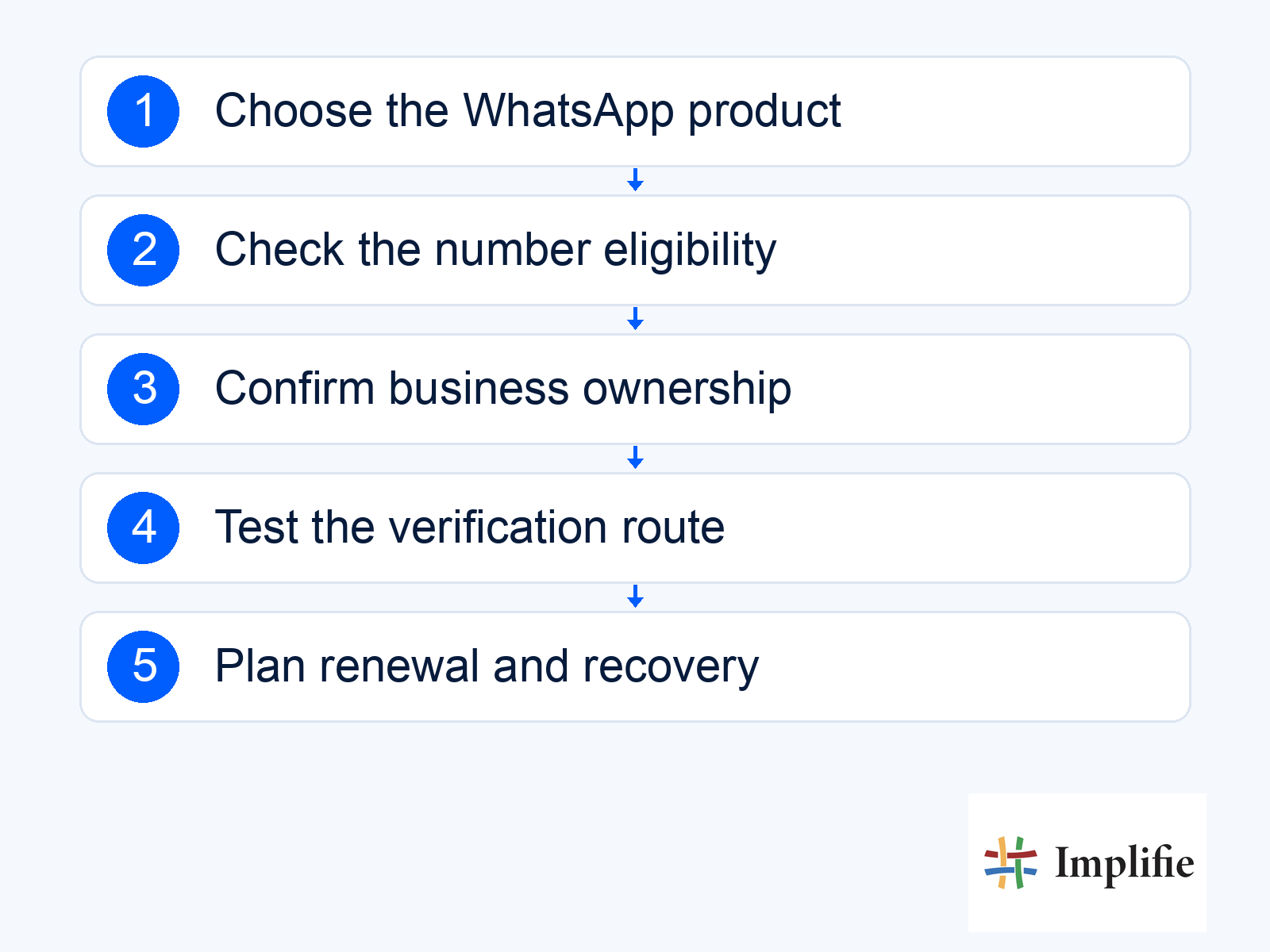
Test the actual onboarding route before launch
Coordinate with the person managing business messaging onboarding and test the supported registration route. For a voice verification route, check whether call handling or an interactive voice menu prevents the code from reaching the authorised person. Do not post codes in a public ticket or forward them to someone whose role has not been verified. The setup should establish business control, not transfer that control to whoever happens to answer the call.
Complete the required ownership verification and registration steps, then check the actual number status before considering the setup operational. Test an appropriate incoming message, reply and support handover through the configured tools. If the route does not work, record the limitation and resolve it before publishing the number on a website or campaign. Avoid buying multiple numbers in the hope that one bypasses an unresolved account restriction.
Plan an existing-number move carefully
If customers already know the number, first identify how it is registered and which supported move or coexistence route applies to that account. Do not delete a working Business app account merely because a general API article says a number must be unused. Confirm eligibility, customer-service continuity and what happens to the available history and tools. Those details depend on the actual migration route; they should be resolved before a cutover date is promised.
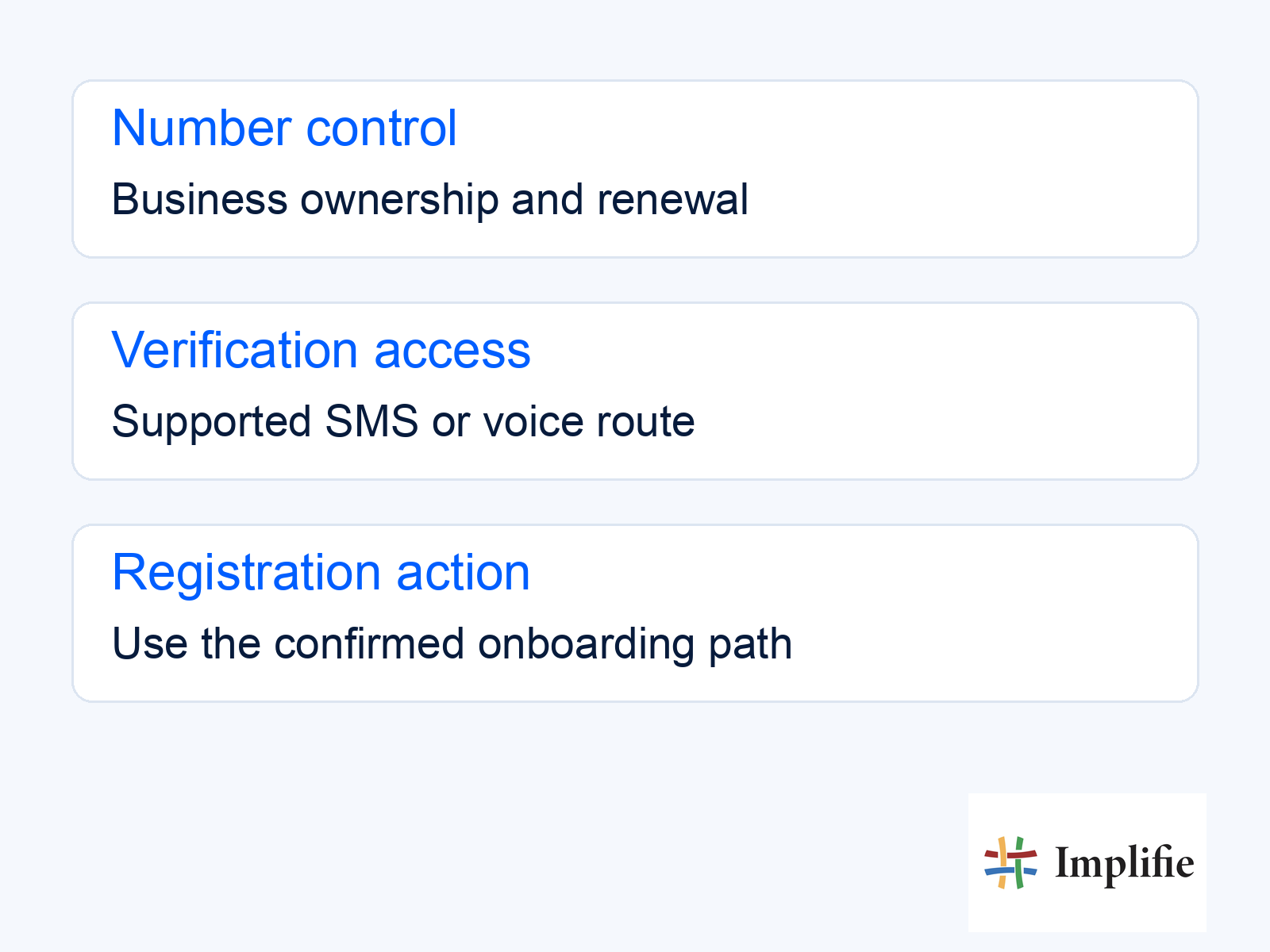
The concept checklist below separates number control, verification access and the planned registration action. It is not a provider interface or a guarantee that migration is available. Keep the setup owner and receiving team aligned, and write down what would cause the move to pause. A useful plan explains who checks the result and how customers will be supported if registration or the connected workflow takes longer than expected.
A number is an address; the workflow serves the customer
A virtual number does not by itself provide multi-agent support, a chatbot, reporting or permission to send campaigns. Those capabilities depend on the business messaging tools and configuration connected to it. A shared inbox can help a team manage replies, while customer records help retain context. Choose the number and the operating workflow together so a technically activated channel has someone responsible for answering it.
Review the complete cost: number rental or ownership arrangements, messaging charges where applicable, software and any setup work. Do not claim virtual numbers are always cheaper or inherently more scalable than mobile numbers. A stable eligible number with clear ownership may be the better choice even when another option has a lower advertised rental. Recheck access and renewal arrangements periodically rather than treating successful activation as the end of maintenance.
Choose eligibility and lasting control
Choose a virtual number for WhatsApp Business only after checking the intended product, current eligibility and the real verification route. Keep ownership, renewal and recovery with the business, and test the connected customer journey before launch. Treat an existing-number move as a planned change. A reliable channel depends on lasting control and supported operations, not the word “virtual” in a provider’s offer.
Frequently asked questions
Will any VoIP number work in the Business app?
Do not assume that. The current app registration guidance lists VoIP among unsupported types. Platform eligibility must be checked separately.
Is Cloud API eligibility the same as app eligibility?
No. Use the documentation for the intended product and verify the particular number and onboarding route.
Should I delete an existing account before asking about API setup?
No. Confirm the supported migration or coexistence route and its effects before changing a working account.
Does a virtual number automatically give my team a shared inbox?
No. Team access, customer records and automation depend on the connected tools and configuration, not the number alone.
