


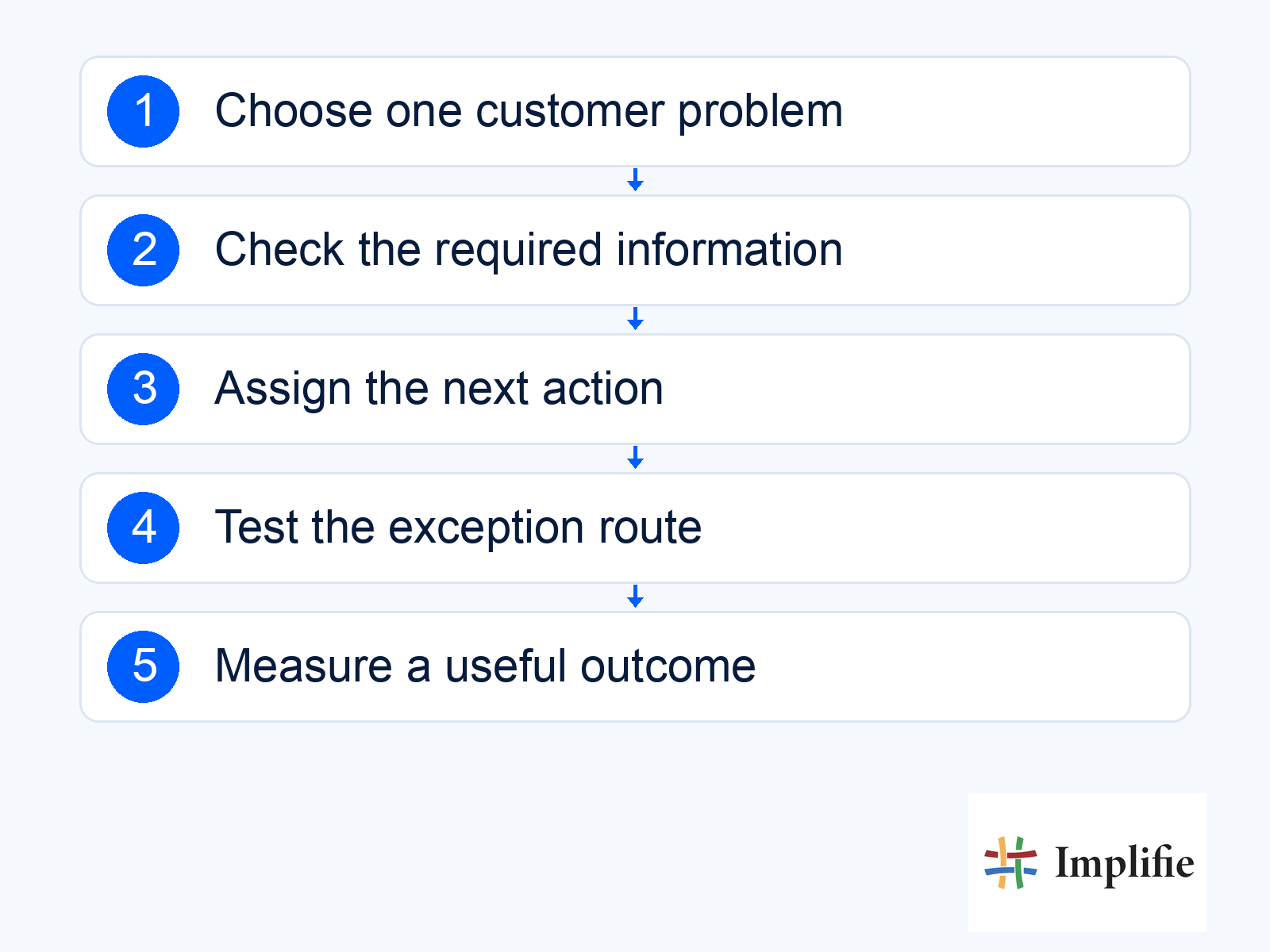
Which customer conversation repeatedly stalls in your business? That is a useful starting point for WhatsApp for business growth. Perhaps a new enquiry waits too long for an owner, a customer keeps asking where an order is, or an interested buyer never receives the information promised. Choose a workflow that addresses one of those gaps before adding another campaign. The purpose is to help a person complete a useful next step, not simply to increase the number of messages your team sends.
The ten use cases below are operating ideas to evaluate, not a claim that every business needs all ten. Each requires accurate information and someone responsible for exceptions. Implifie connects customer records, team conversations and supported workflows; external actions still depend on the relevant connection. Start where your business has both a recurring need and a reliable way to fulfil the promise made in the conversation.
1. Capture an enquiry with enough context to act
Ask for the information that changes the next action: the product or service, location and a useful description of the requirement. A real-estate enquiry might need the preferred area and approximate budget; a retail enquiry may need a variant instead. Save the response and give the enquiry an owner. Collecting a phone number without a requirement or follow-up responsibility leaves the team with a contact, not a usable sales opportunity.
2. Help customers find a suitable product
Use the conversation to narrow the choice rather than presenting a long catalogue immediately. Ask which size, specification or use matters, then check current product information before suggesting an option. Commerce workflows can support a configured shopping journey. The useful outcome is a clearer decision and an accurate next purchase step. Do not describe a recommendation as a verified fit when compatibility, price or availability still needs a person to check it.
3. Keep order updates tied to actual events
Tell the buyer about a change they need to understand, using the store or carrier record that establishes it. An order accepted, a payment received and a parcel collected are different events. For ecommerce WhatsApp updates, identify the order and provide a working tracking or support route. If the source information is missing, investigate instead of inventing an arrival date. The receiving team should know who handles delivery exceptions.
4. Remind people about a confirmed appointment
A reminder needs the current appointment, location or joining instructions, and a way to request a change. Check the booking record before a delayed message is sent so a cancellation does not produce an outdated reminder. A configured calendar workflow may help connect the records. Keep a requested time distinct from a confirmed booking, and route rescheduling requests through the actual process rather than assuming a reply automatically updates the calendar.
5. Answer predictable questions and hand over exceptions
Start FAQ automation with approved answers about a defined subject, such as store timings or delivery coverage. Assign someone to maintain those answers and offer a clear way to reach a person. A chatbot workflow can collect context and route a question, but the customer should not be trapped in repeated menus. Review unresolved questions to see whether the missing piece is better wording, more current information or a human decision.
6. Continue a useful sales follow-up
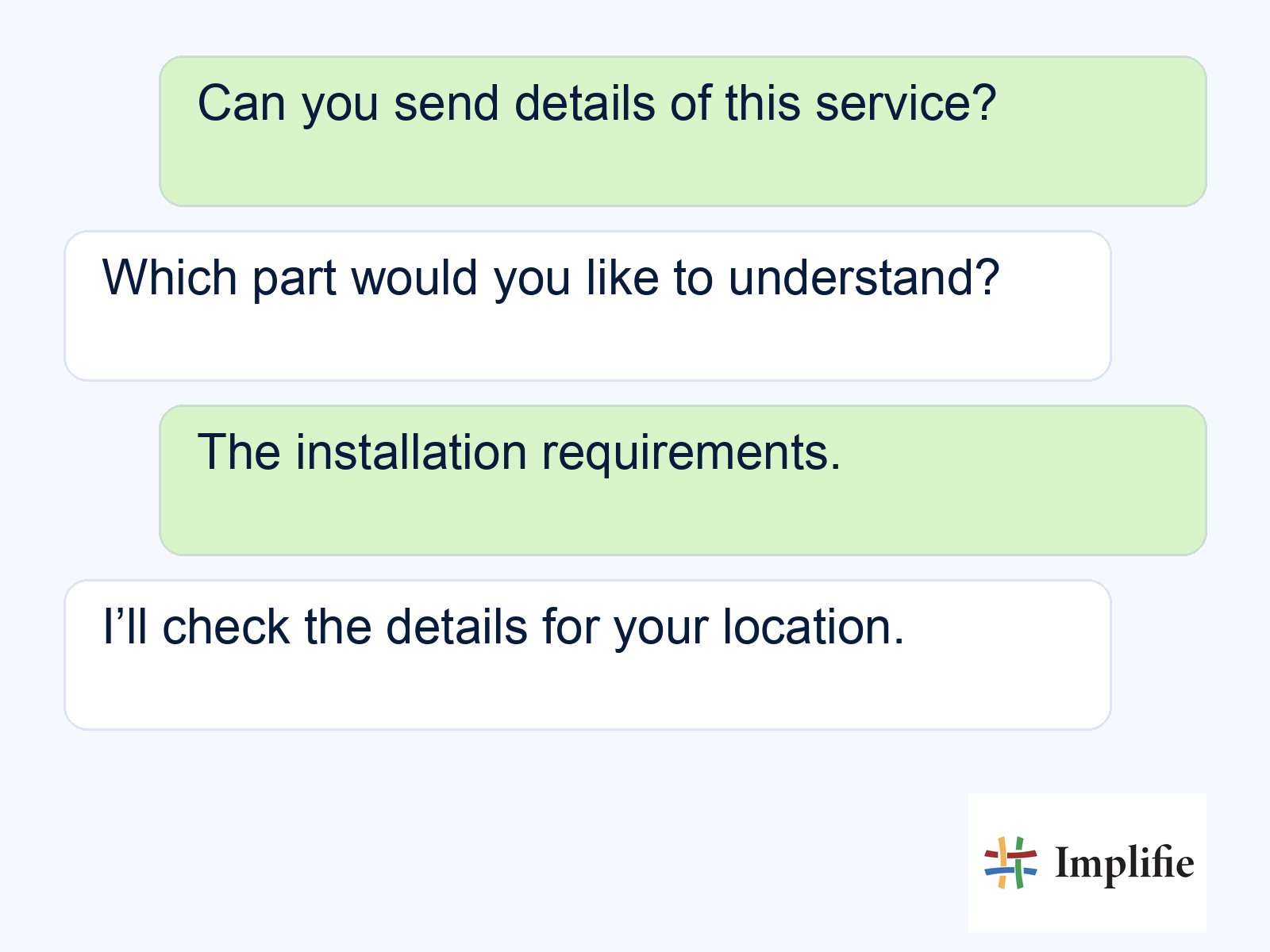
Follow up on the next action agreed in the conversation, such as sharing a specification or checking a delivery area. Avoid an automatic sequence of generic “any update?” messages. Follow-up automation should account for a purchase, refusal, opt-out or unresolved support issue before continuing. The illustrative exchange below shows a specific question being collected for review; it is not a real customer conversation or a guarantee that a quotation is ready.
7. Send a relevant campaign to a defined audience
Choose a group with a clear reason to care about the message, then give them one useful action. Check the offer, destination, eligibility and ability to handle replies before using broadcast software. A product update should reach the people for whom it is relevant, with exclusions applied. Do not move every customer into a group chat or assume that an old enquiry grants permission for every later promotion.
8. Ask for feedback and act on the answer
Request feedback after a meaningful experience, when someone can describe what happened. Give negative feedback a responsible owner and record the next action. A survey result is useful only if it helps improve the service or resolve a problem. Avoid requesting a public review while the person is still waiting for a refund or repair. Keep the feedback process proportionate: one focused question can reveal more than a long form nobody completes.
9. Make a repeat purchase easier when it is relevant
A helpful repeat-order prompt refers to a product the customer may still need, checks current terms and lets them choose whether to proceed. Do not assume every item has a predictable replenishment cycle. A buyer of a durable product may need care information instead of another purchase request. Review the actual buying pattern and support context, then measure completed orders rather than presenting a reminder sent as evidence of customer loyalty.
10. Preserve context when the team changes
Use internal notes, conversation assignment and the current customer record to explain what has already happened. The next colleague should see the requirement, outstanding question and promised action without asking the customer to start again. This is a better operating pattern than copying customer chats into unrelated team groups. Define how ownership changes and who watches unattended work, especially when sales and support need different permissions or expertise.
| Recurring gap | Useful first workflow | Evidence of improvement |
|---|---|---|
| Enquiries have no owner | Capture and assignment | More relevant enquiries receive a completed next action |
| Customers repeat delivery questions | Accurate order updates | Fewer unresolved delivery conversations |
| Routine questions crowd the inbox | Approved FAQ flow with handover | Correct answers and fewer repeat contacts |
| Interested buyers lose context | Specific follow-up with a stop rule | Completed next steps, not just messages |
| Colleagues ask customers to repeat details | Shared context and clear handover | Receiving agents can continue the task |
Make WhatsApp for business growth measurable
- Source: Identify the record or approved information that makes the answer reliable.
- Owner: Assign the person responsible when the automated path cannot complete the task.
- Stop rule: Define what makes another message unnecessary or inappropriate.
- Measurement: Record a completed customer outcome and the work required to achieve it.
Check the current messaging policy before launch. Then test the complete journey, including a missing answer and a request for a person. WhatsApp for business growth works best when the team improves one useful conversation at a time. Expand after the source information, ownership and customer result hold up in practice, rather than treating a larger automation catalogue as progress by itself.
Frequently asked questions
Do I need all ten workflows?
No. Choose a recurring customer problem you can support with accurate information and a clear owner. Expand when the first journey is useful and maintainable.
Does a WhatsApp message automatically complete a business action?
No. A booking, payment, order change or other action needs confirmation from its actual source system or responsible person.
Are group chats the default way to manage customers?
No. Consider privacy, permission and the actual customer need. Team context and individual conversations can be managed through the appropriate business tools.
What should I measure first?
Define a completed customer outcome, such as an answered enquiry or confirmed next step. Review accuracy, unresolved work and effort alongside message activity.
